Leaderboard




Popular Content
Showing most liked content since 02/13/2026 in all areas
-
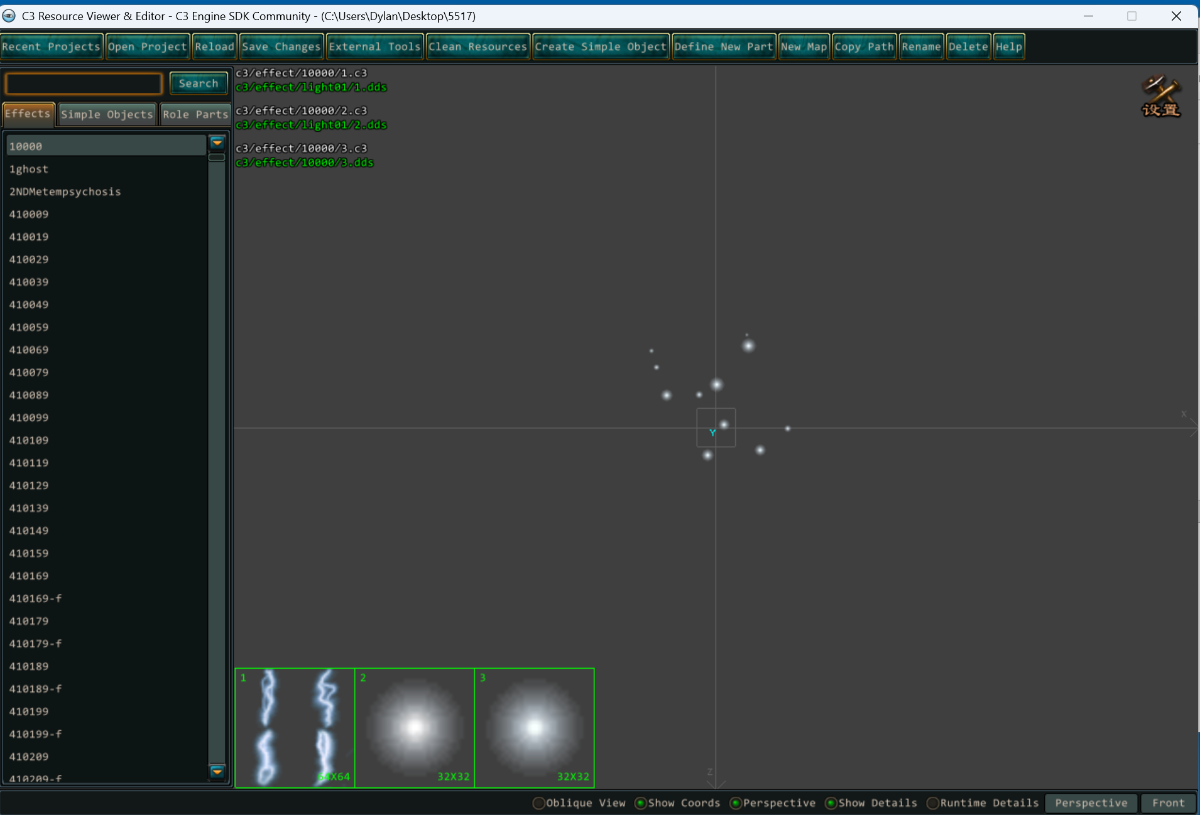
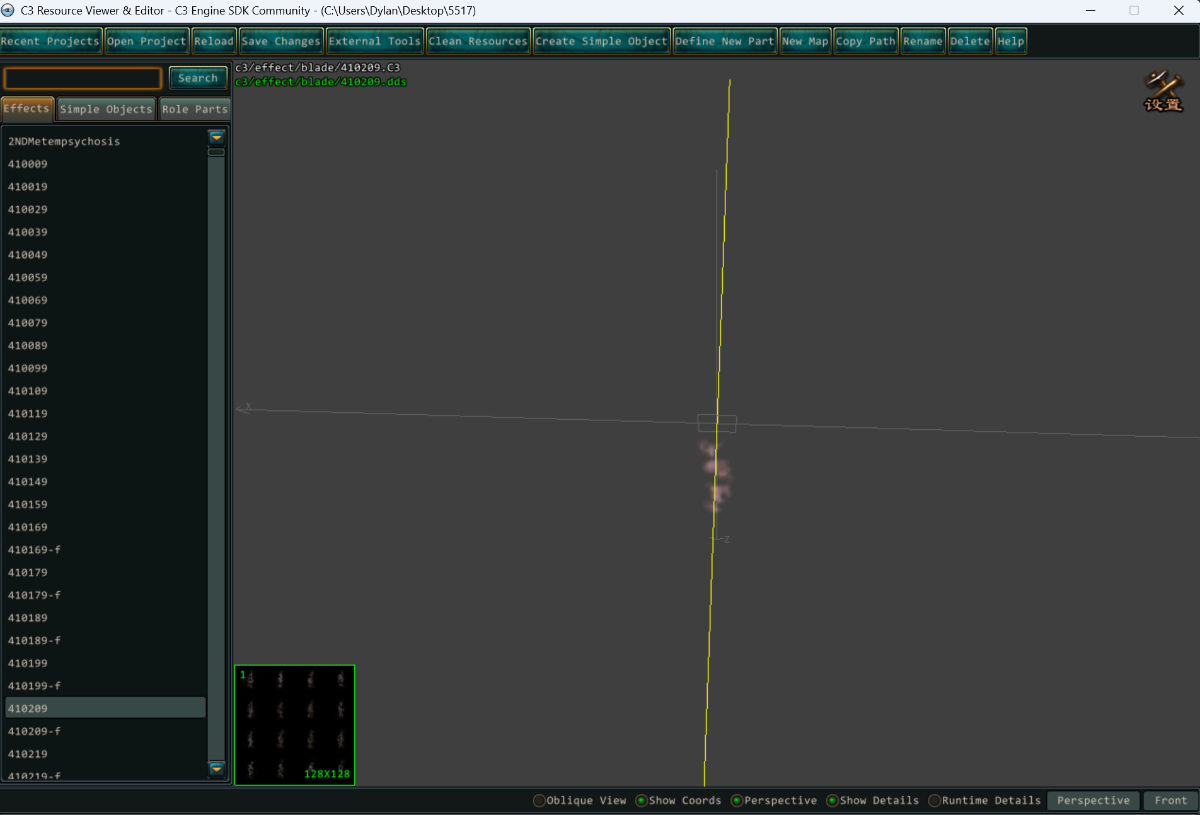
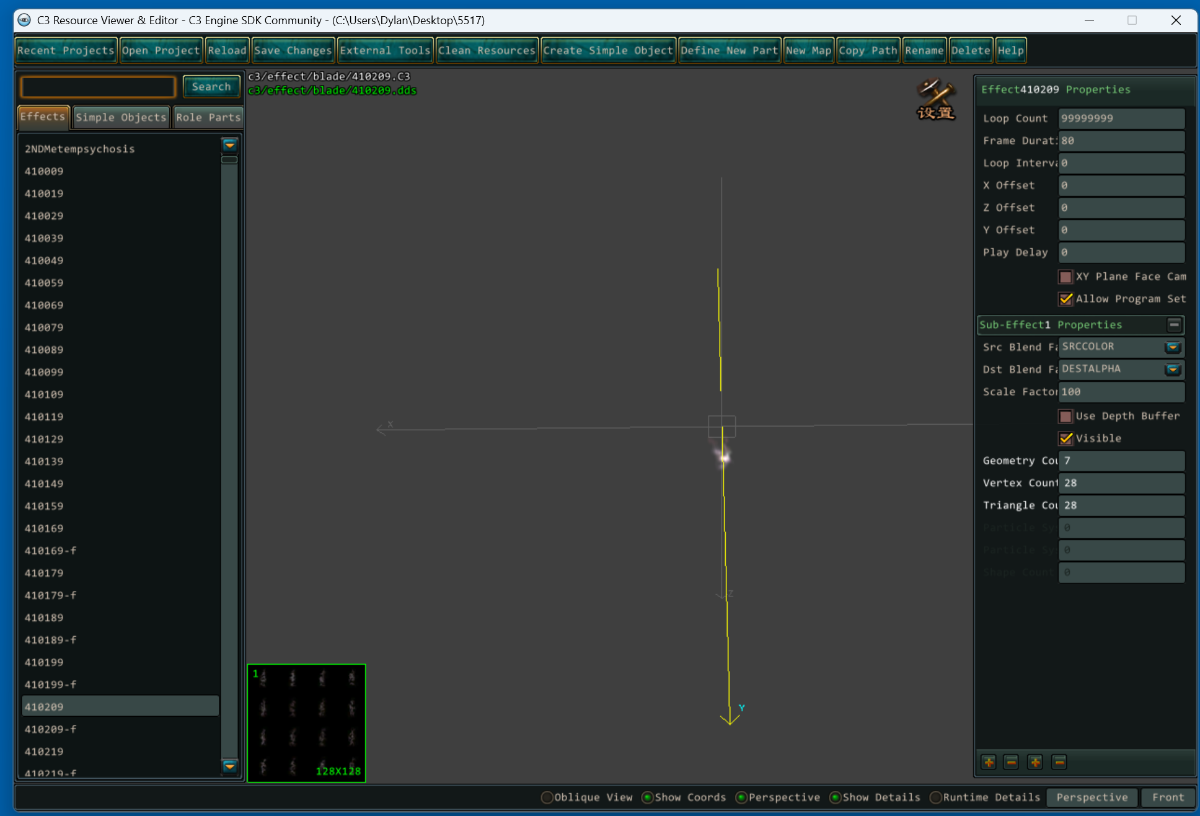
got this from a Chinese site some c3 tools idk how to use it yet but here it is. C3游戏引擎资源查看与编辑功能工具.zip UPDATE: i update the tool for english and to work with any C3. seem to me like this is the main tool other tools in sub folder can use in this main one too with external tool tab. C3Tools(Updat)English.rar
 5 likes
 -
Map viewer built around my export format (JSON + JPEG atlases + sprite strips). Three.js, no server needed, just open index.html. The C++ version will be posted in the next few days separately, both projects have enough features on their own to keep each post short and they can be used independently. Some ideas for usage: overlay Mobs/NPC/guard positions on the map, player backtrack/movement history, heatmaps for player activity zones, or just browsing maps without the client. I hope someone find this useful & get creative with it. References: wiki/Dmap, wiki/DmapLayerType & EO-Map implementation. Preview: webmappreview.mp4 There are few maps that you can try in the live demo, depending on the map, it will take longer to load. tc: 33MB, desert: 15MB, desert10: 5MB, island: 11MB Live demo: web-map-viewer-demo. Repository: web-map-viewer4 likes
-
Hello, I've been exploring conquer client (Windows 5517 / Mac: 1029) in Ida & found some hardcoded strings in CHero::Talk & CDlgTalk::OnTalkBtnSend which turned out to be client-side implemented slash commands! I searched the forum and wiki but couldn't find these documented anywhere, so thought I'd share my findings of going down the rabbit-hole figuring out what each command did. I hope this isn't common knowledge already, this is just my interpretation of reading through the code & using in the client and I welcome any corrections. I did this on client 5517, but you can usually check if other clients version support these commands by going strings conquer.exe | grep -i '<name_of_command>'. Beware even though these are client-side, the message is still sent to the server - so there is a record server-side these commands were ran. Starting with the commands in CDlgTalk::OnTalkBtnSend, these commands can be ran by any player. They are case insensitive, but I will write them as they are hardcoded in the client. /spdup <int> (Example: /spdup 100) | Value controls how fast the character can jump & move (a very useful command) /OpenWindow <int> (Example: /OpenWindow 489) | This opens a UI Dialog, the IDs seem hardcoded in the binary - I've attached a list of the dialog IDs in client 5517 as a text file. DialogWindows.txt /CloseWindow <int> (Example: /CloseWindow 489) | This force closes a UI Dialog. /3DEffect <string> | Triggers an visual effect on the player, you can see list of effects in ./ini/3DEffect.ini /Weather <int> <int> <int> (Example: /Weather 2 10 10) | This starts a weather event on the client, where the args seem to be <weather_id> <intensity> <direction> Weather IDs: 1 = Rain, 2 = Snow, 12 = Leaf, 13 = Sand, 14-18 = FlyFlower, 19 = FireBug, 20 = Cloud /ShowMePerformance | Performs some sort of sampling & outputs the results to System channel & a logfile in ./debug folder if it exists /ShowMeGameVersion | Outputs the value of version.dat to System channel /ShowMeCrash | Freezes client for about 5 seconds, although doesn't always work. /show client version | Writes the client build version to System Channel /TrimWorkingSet | Seems to reduce the amount of used memory (watch Task Manager). Calls the function with arg: 0 /TimeWorkingSetImm | Seems to reduce the amount of used memory (watch Task Manager). Calls the function with arg: 1. Assume 'Imm' means immediately, whereas the other one is delayed /EnableArabicLike | Appears to inverses most gui elements, but appears broken (probably due to non arabic font) /DisableArabicLike | Reverts the inverse of gui elements (though not completely) /EnableGmMode | An anti-climatic command, sets a flag on DbgMgr which writes some system stats to ./debug/gm-log & some details on MsgVerify (Anti-Cheat) packet. /EnableSimplifyOnMapScale <int> | From what I gather, rendering optimisation only happens when at default zoom level (a const 256). If this is true (1) this applies to any zoom level. 0 restores back to default zoom level. /EnableFocus | Allows hovering over gui elements, moving and deleting them. /DisableFocus | Disables the previous enable focus command /SetResetMode <int> | This appears to be used in the next command /ResetGui. I think it is to do with UI interface (0) & Dialog Interfaces (1) but unconfirmed /ResetGui <int> <int> | This command is autopopulated with EnableFocus. It appears to be <ElementGroup> <ElementId> and if entered should reset its position (never had luck) /WriteNewGui | Freezes the client, but writes the output to a file (GUI<res>.ini?) /ClearInvalidGui | Assumes this overwrites the modified gui ini file with a known-good state, but always crashed client. The following were in the mac client, but didn't exist in the windows client (via strings & grep), I didn't spend much time figuring out what these do: /EnableMapPlayer <int> <int> /EnablePuzzleGrid <int> /ChgScr <int> <int> <int> | This appears to change width height & 0/1 (window/full-screen) /Version Next up, are the commands in CHero::Talk. These commands can only be used if the player name ends with '[PM]' (not '[GM]'). /scrshot <str> (Example: /scrshot test.png) | This saves a screenshot to ./<name> (extension is not appended automatically) /break | Causes client to disconnect /DelItemByType <id> | Deletes any item in inventory by the ItemType id. /reloadfile <str> | If no arg - reloads info.ini, if an arg reloads ini/<name>.ini /UseMagic <int> <int> <int> | Generates a Magic Effect (MagicEffect.ini) at X, Y - I couldn't get this to work. /Crash <int> | Has 4 (1, 2, 3, 4) unique ways to crash the client, but none of them crash the client - perhaps because its a release build? /Profile | Does nothing, not implemented /color <float> <float> <float> <float> | Should set a RGBA tint on the player, but couldn't get it to work - possibly not be implemented in windows client (to be confirm) /look <int> (Example: /look 321) | Sets the player apperance to another model (ID source unconfirmed - likely C3.wdf or 3DSimpleObj.dbc) /mount <int> | Puts the player in mount, not sure what the int is doing, it seems to only perform client reaction on int: 801, 802, 803, 810 (from mountmotion.dbc) /addnewcard <str> (Example: /addnewcard CARD_DOUBLEDANCE_REJECT) | Adds a card to the screen (str come from ./ini/cardshow.ini) /rolescale <int> (Example: /rolescale 200) | Sets the scale of the player with no limits! /scale <decimal> (Example: /scale 100) | Sets the scale of the game /data <str> | Doesn't appear to do anything, just reads the input and does nothing with it /ver | Prints the client build version to system channel /AddEarthQuake <str> <int> <int> (Example: /AddEarthQuake FatDemonEarthquake 10 10) | Shakes the screen, the earthquake names can be found ./ini/MagicEarthQuake.ini, first int is intensity(?), second int is duration (seconds) /addScreenEffect <str> (Example: /addScreenEffect LevelUp) | Performs the effect on the player (effects names come from c3.wdf) /delScreenEffect <str> | Removes any persistent named effect on the player (from previous addScreenEffect command) /addEffect <str> | Seems to do the same as /addScreenEffect /addaction <int> <int> (Example: /addaction 10 10) | Makes the player perform action with id (first arg, uncertain where Ids are from) and for duration (seconds, second arg) /pose <int> (Example: /pose 9)| Makes player perform different dance animations (uncertain where Ids are from) /GetFrameAmount <int> (Example: /GetFrameAmount 9) | Prints the number of frames an action (like a dance) consists of to System channel /SetDebugFrame <int> <int> (Example: /SetDebugFrame 9 10) | Pauses the character into a particular frame, so example: action 9 (first arg) frame 10 (second arg) /SetDebugInterval <int> (Example: /SetDebugInterval 60) | How long to pause the character (seconds) when using /SetDebugFrame /ActionDebugInfo <int> (Example: /ActionDebugInfo 1) | Boolean 1 or 0. If 1 prints some information about current action periodically to System channel . /ReloadDummyMovieIni | Reloads ./ini/DummyMovie.ini /LAAdd <str> <int> <int> (Example: /LAAdd foobar 2000 9) | Adds a bar that counts up with text str (ie foobar) that lasts for milliseconds (1st int) and performs action (second int) /LAStop | Stops the LAAdd command /ReloadMsgBoxIni | Reloads ini/MsgBox.ini /addmsg <str> | Prints a message to system channel /AddCenterMsg <str> | Prints a message just below player character feet /say <int> <str> (Example: /say 21 test) | The channel is determined by int-2000. For example, to send to world channel (ID 21), Prints the message to the channel /mapcolor <hex> (Example: /mapcolor ffff0000) | Sets the tint of the screen. /ReLoadStrRes | Reloads the strings ini file /ReLoadCnRes | Does the same as /ReLoadStrRes /hitfly <int> <int> | Uncertain what this does, and what the args. It seems whatever values are just throws the character outside the map (to xy: 000,000) /APE <int> <str> | Stands for 'Add Part Effect', where first int is the slot of the equipment and str is the name of the effect (unable to test) /DPE <int> <str> | Stands for 'Delete Part Effect', where first int is the slot of the equipment and str is the name of the effect (unable to test) /transform <int> (/transform 3320) | Transforms the player into model / attributes in ./ini/TransForm.ini, where id is from that ini file too And finally, there was a command that I spent way too much time figuring out trying to figure what this does: `/pmnew` - which only exists in the window client. It pops up a native windows dialog, which appears to just record chat strings. Most strings are '????' - even with the language pack installed, so I believe the strings might be missing or not rendering First Window (Main Window): Textbox at the top is a search Tab 1: Default Config Tab 2: Custom Config Dropdown box: Select Chat Message Button Row 1 Col 1: Send Button Row 1 Col 2: Clear Button Row 1 Col 3: Toggle between /EnableFocus & /DisableFocus Button Row 2 Col 1: Unknown Button Row 2 Col 2: Configure Window (See Second Window) Button Row 2 Col 3: Close Window Second Window (Custom Config): Button 1: Save File (Saves to: ./ini/PMItemUser.ini) Button 2: Delete Selected Node Button 3: Opens Create Command Window (See Third Window) Third Window (Create Command Window) Textbox 1: Name of character Textbox 2: Name of command Button 1: Apply Button 2: Cancel Overall, it seems like this window is a quick way to save and use chat commands. For example, someone will go: `/pmnew` -> Configure Window (Button row 2, col2) -> Create Command (Button 3) -> Name: TestPlayer Command: /test -> Save (Button 1) Now, back on the first window, click the second tab (Custom Config), the dropdown will list /test, click first button and it will send it to the chat (default talk channel)3 likes
-
Enjoy. References: wiki/Dmap & spirited/floor (so basically shoutout to: @Spirited ) Preview: floorEditorOld.mp4 Live demo: web-demo Repository: cpp-version (win32 + imgui/dx11 and basic optimizations) & web-version (three.js).2 likes
-
jackpot! ^^ also i found eudemon client source that is fully built idk if i can upload here.2 likes
-
the second tools is the c3effect manager ... very useful2 likes
-
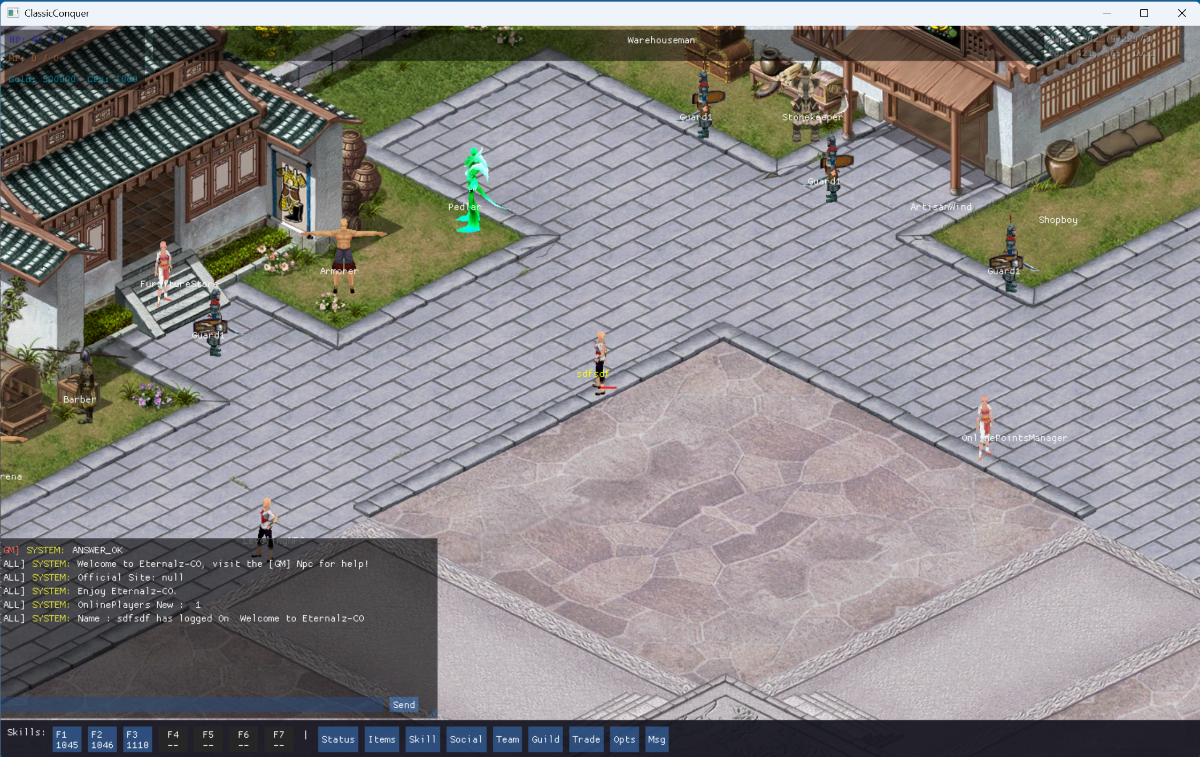
I'm actually working on that, should have something worth releasing sometime this year, all depending on life work and my kid lol (specifically working on a 5517 client, and a older version of an andriod client).2 likes
-
The web map viewer has been updated. I added a few official maps (about 85% quality, I'll upload lower/faster ones soon ). Updated / Added: - NPC positions and names - Mob and guard positions/zones with names - Mobile support - Removed the old dmap access grid format and switched to direct dmap access (https://co-stuff.github.io/web-floor-editor/) Maps ready to view (v6609 maps/npcs/mobs): - TwinCity (n-newplain) - Forest (woods) - Desert - MysticCastle (d_antre01) - Island - Stable (horse) - Canyon - MineCave (mine01) - NPCJail (mine-one) webmap3.mp42 likes
-
I have developed an in-game voice chat system for Conquer Online. This makes communication much easier and faster, without the need to use Discord. Do you have any suggestions to help improve the voice quality? I did face an issue related to microphone control: when there are two accounts, each one in a different channel, and I press Alt + Tab, the voice system disconnects from the first account and switches to the second one. I would like to hear your opinions, friends.
2 likes
-
Which client version? That tool seems to work fine for wdf on 5065 & 5517, but not 6090 or 5187 (same error as you)1 like
-
Introduction Unlike the Windows client of Conquer Online, the macOS client contains debug symbols that make it easier to reverse engineer. This guide will help you disassemble Conquer for the first time using Hopper Disassembler, which is a reverse engineering tool I use to translate compiler machine languages into higher-level assembly language. Hopper is a paid program; therefore, I will not be providing a copy through this thread. I recommend looking around for a copy. You can also use the free demo version (which is unable to save) with a pre-analyzed binary. Getting Started Before you start, it's important that you understand the basics of assembly. For a tutorial on Assembly Languages, check out Tutorials Point. They cover the basics pretty well. Once you're caught up, you'll need to set up an environment for Hopper since it can only be installed on Linux and macOS. I chose Linux for my environment. For simplicity, I recommend using either Oracle VirtualBox or VMWare Workstation Player with Ubuntu 18.04. If you need a tutorial, check out this video: Once your VM is set up, install Hopper Disassembler and you're ready to go. With your environment set up, download the macOS client for Conquer. All you need is the dmg file (you don't need to install it). After downloading the file, open it as an archive and navigate to "Conquer\Conquer.app\Contents\ConquerGameExe.app\Contents\MacOS". This path might be different depending on the client version you downloaded. Extract the ConquerGameExe file and open it in Hopper. Hopper will automatically detect the compiler, so don't change any of its analysis settings. After a few minutes, you should have analyzed assembly. Save at this point so you don't have to re-analyze the executable; then, you're ready to get started with reverse engineering. If you're interested in decompiling the Android version of Conquer Online, Hopper can also disassemble that. Simply unpack the APK using 7-zip or another archive manager and navigate to "lib/armeabi". Open libCQ2Client.so in Hopper using default settings. Reverse Engineering Packets One advantage of having debug symbols in the macOS client is that packets are easy to reverse engineer. Packet classes in Conquer are prefixed with "CMsg" and extend CNetMsg. CNetMsg initializes a buffer on the EBX register at offset 0x404. When reading packet definitions which extend CNetMsg, you'll see MOV operations to offsets from EBX+0x404. Packets created by the client define a Create method which writes the packet length and ID to offsets EBX+0x404 and EBX+0x404+2. Packets processed from the server define a Process method which reads at offsets from EBX+0x404. Let's look at MsgPCNum, a simple packet sent to the server from the client which includes the client's MAC address. Look up "CMsgPCNum::Create" and change the view to Pseudocode (Alt+Enter). You'll see the following instructions below in C-like assembly: The client first writes the TQ packet header to the CNetMsg buffer, then writes the account id and mac address to offsets 4 and 8. See the code below for comments. *(int16_t *)*(ebx + 0x404) = 0x34; // Length *(int16_t *)(*(ebx + 0x404) + 0x2) = 0x44c; // Packet ID *(*(ebx + 0x404) + 0x4) = arg_4; // Account ID if (GetMacAddr(*(ebx + 0x404) + 0x8) != 0x0) { // Mac Address In some other examples, the result of Create is referenced by a secondary Send method, so be sure to check your reverences when reversing a packet. MsgWalk is a good example of a packet with a Send method. CMsgWalk::Send sets the timestamp in the packet and adds the movement to the stack of expected responses from the server before sending. MsgWalk is also a good example of a packet which is both sent and received by the client. See the screenshot below. In this example, the packet handling splits on the type of movement at offset 0xC. If the movement type is 0x9 (riding a horse), then additional directions are taken into account. You can also see how the client processes the packet: it checks the timestamp, sends a MsgAction packet for querying the location on movement failure, decrypts the position using XTEA. Contributing If you're using this tutorial to reverse engineer packet structures, then please consider contributing to the wiki: Thanks!1 like
-
Thanks for this guide, it was useful! I'd also highly recommend for those interested in this to checkout, Hex-Rays Ida, which has a free version without many limitations. The mac client was first released as version 1005 (windows 5391). However, you can still find the binary for Mac 1029 which was released the same time as windows 5517 - which I think is ideal, because the windows/mac clients are so similar at this verison & there's a couple of compatible sources 5517/5518 to get started quickly - its really interesting to see low-level how the server & client interact.1 like
-
This tool is from the open source C3 website that TQ hosted back in 2013, I wanna say? I figured this tool was lost to time. Thanks for finding it again.1 like
-
I closed your previous thread because you claimed the majority of the project was AI generated and that you were "new to this coding stuff". While we welcome all levels of experience, your egregious usage of AI violates our community guidelines. I don't want to stipend creativity, but AI generated projects are not creative and adds burden to the community for support and review. If you continue recreating this thread, you will be banned.1 like
-
getting there almost
1 like
-
Translated, it appears to be a WDB encrypt and decryption tool. The second appears to be a toolkit map maker. Very interesting..1 like
-
i was thinking if grasphic.dll render graphic what about role3d.dll. im trying to extract everything from all the dll to make my own client. any info would be great and thanks in advance ^^ update i cant seem to get it to render in char
1 like
-
I would use the latest client if it wasnt for the armor and weapons models where everything looks the same now. But there is a lot of garments and cosmetics as well that may compensate. I love the new guild war (that started at 7150) but I hate the new Arena interface... I just cant have a solid opinion. There is a lot of nice interfaces you can implement to monetize the server (first credit, roulettes, battle pass etc etc), but there is not an apple client to help reversing packets, but ProtoBuf are easy to get structures as well.1 like
-
For the latest versions most functions can be disabled by feature flags and lua scripts on ini folder. (Forge itself you can remove almost everything via LUA), a lots of icons and stuff also can be removed there as well the classes from everywhere (reincarnation, role selection etc). Issue is that you need the new encryption/decryption for those files, since they're all encrypted now.1 like
-
C3 Blender Add-On A Blender add-on for importing and animating C3 model format files, with support for multiple PHY types and animation keyframe formats. Download Latest Release https://github.com/abdouthematrix/c3-blender-addon/releases/download/latest/c3-blender-addon-latest.zip Or browse all releases: https://github.com/abdouthematrix/c3-blender-addon/releases Features: - Import C3 Models - Import Texture - Import/Replace Animation - Import/Replace Mesh Parts Installation: 1. Download the latest release zip file from the link above 2. In Blender, go to `Edit > Preferences > Add-ons` 3. Click `Install` and select the downloaded zip file 4. Enable the add-on by checking the box next to "Import-Export: C3 Add-On" Note: Do not unzip the file - Blender will install it directly from the zip. Usage: # Importing a C3 Model: 1. Go to the top menu bar and click `C3 Add-On > Import .C3 Model` 2. Browse to your `.c3` file and select it 3. Options: - New Scene : Import into a new scene (enabled by default) - debugpy : Enable remote debugging (for development) 4. Click `Import .C3 Model` # Importing a Texture 1. Select a mesh object 2. Go to `C3 Add-On > Import Texture` 3. Select a texture file (DDS, TGA, PNG, or JPG) 4. The texture will be applied to the selected mesh # Importing/Replacing Animation 1. Select a mesh object that was previously imported from a C3 file 2. Go to `C3 Add-On > Import Animation` 3. Options: - Use Original File: Uses the stored file path from the original import (enabled by default) 4. Click `Import Animation` # Credits - Author: abdoumatrix - Development Assistance: Claude (Anthropic) - Inspired by: [C3-Operator] by Tachyon-S
1 like
-
hello im new to this coding stuff but i had make this imgui with my source that i got with help with ai i just wanna release this for people to have or whatever. im not good with word and stuff but here is the source. so far it can login to my server both acc and game but i cant get it to render the map and stuff https://drive.google.com/file/d/1M_00gEnZ53_CZAcWysZQp3a-PACL0P9x/view?usp=sharing1 like
-
As curious as this is, this is not within our community guidelines. Game preservation and contributions are a human activity. If the majority of your project is AI generated, then that's not a human contributing.1 like
-
Wow, I'm genuinely surprised AI was able to get you this far. I'll be following this vibe project out of pure intrigue of how far you get this way. GL1 like
-
Great work dude I'm not commenting on your work, but you didn't hook the "send" function. You hooked a pre-send function. ( Before encryption ) That doesn't constitute an issue in the post. However, this information is for those who will be changing the project version. for another clients You have to hook earlier "Send" to get clear packet without client encryption shits1 like
-
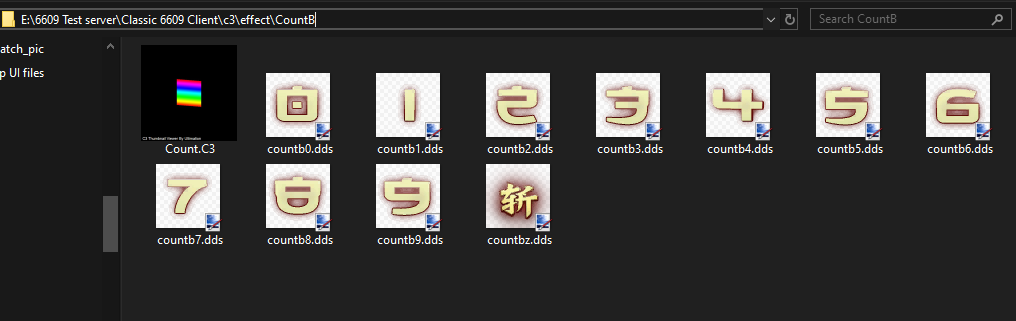
i know this is an old post and you probably found it already but for others who may have the same question, it is located in c3/effect/CountB and if that file is not there you can either get it from c3.wdf or you can make the folder yourself and it will replace the originals with the dds images you made as long as everything is named correctly and is the proper file type. hope this helps you and/or others
1 like
-
For those too lazy to look for a function to hook to receive packets... constexpr uintptr_t RECV_PACKET_ADDRESS = 0x0073CE61; typedef void*(__cdecl* RecvPacketFunc)(void* data, int len);1 like
-
the source is suppose to be for 5095 maybe it need a custom loader your right do u need me to upload the source1 like
-
Oh yeah sure , so you were only trying to market for your sales here1 like
-
@soulfly I mean this in the most sincere way I can express this: I think you could really benefit from some online programming courses or something (maybe a community college near you?). At this point, you really should learn how to debug more thoroughly, and learn more about client-server architecture, data types, data structures, and networking. I think you could really use some online supplements to bridge the gaps you're experiencing. Especially with how long you've been interested in private server development for. Feel free to ignore this advice, but it may help unblock you with a lot of the work you want to accomplish.1 like
-
I'm glad to offer this little thing.1 like
-
I've got it running on Win11... basically u need VC6.0, DX81 libs and headers being loaded AFTER default system libraries and headers and some patience. If you import DX libs before default VC++ libs it will break into thousand errors on compilation. But Demons can be compiled and with some (a lot) effort it can be converted into an old CO client. But idk if its worth, maybe looking into it and converting to a newer DX would be better, but this requires a lot of changes since 8.1 doesnt use shaders and after 9 a lot of things are handled on shaders.1 like
-
I've decided to release a couple of the maps I've made to the public so here's a post. (idk how to really do this, hope I do it right) Who am I? How did I made these? Some of you guys might know me from over on Conquer Origins. About a year ago I was bored so I built a full map editor and made two custom maps for that server. The first being a Team Deathmatch map and the second being a better Football map. (Not publicly releasing these two right now). Now I've stepped away from Origins for the time being and wanting to get some of the work I've done out there so people can have fun using it. I ended up making a couple other maps that never got released and with the way things turned out I decided to release them for anyone to use. I created a public repo over on github that hosts the maps and has some information about them. I'll eventually end up adding more maps then making another post with more information. Link: https://github.com/flickerstop/conquerMaps Please Note I have a couple instructions in the base folder README.md. Please try to follow them and if I notice people trying to take credit for these maps I just won't release more maps publicly. Each map also has a README.md that explains it a bit and has useful information like coordinates and some copy-paste code for adding the minimaps with ease. No I won't be releasing the map editor at this time. Please don't ask. You can fully suggest some new maps though! Or maybe just some other ones that need slight adjusting. Fully Custom Maps So far I'm releasing two new "arena" maps so servers can stop using the PK arena for every single event. They're about the same size as the PK arena also. Water ArenaDesert Arena Edited Maps I edited a couple of the really small maps to fix that annoying bug of them being too small on larger resolutions. The three in this release are: Blacksmith mapThe Dye ShopStables1 like