
sunwave
-
Posts
21 -
Joined
-
Last visited
Content Type
Profiles
Forums
Downloads
Store
Everything posted by sunwave
-

question Question about bonuses from composed (+) equipment
sunwave replied to sunwave's topic in Conquer Online
That makes sense! I wonder if someone here can share the exact logic for which ones are shared, and which numbers are associated. -
question Question about bonuses from composed (+) equipment
sunwave posted a topic in Conquer Online
From what I know, for showing the bonuses you get from composed (+) equipment, the game looks at the ItemAdd.ini file. But I have noticed that the ItemAdd.ini file seems to be missing quite a lot of equipment pieces. Does anyone know if the "bonus stats" logic, formulas, or data lives elsewhere?
-
I made a bit more progress on the effects rendering. Porting D3D9 to Three.JS is not very straightforward, so perhaps this is 'good enough'. dragon.mp4
- 1 reply
-
- 1
-

-
I did manage to fix the washed out colors by changing the color mode to SRGB.
-
I'm working on rendering effects. Some effects (such as the super dragon gem weapon proc effect you see below) only render a partial aspect of the effect. Does anyone know what might be causing that, or what I may be missing? effect.mp4
- 1 reply
-
- 1
-
-
I found the solution! The secret is the weapon's own MOTI keyframe matrix. Specifically the frame-0 bone-0 matrix from the weapon's C3 animation data. In the original Conquer Online engine, Phy_Calculate applies this transform at runtime: finalVertex = rawVertex × InitMatrix × keyframe × lpMotion->matrix The weapon's MOTI keyframe is the middle keyframe term. It's baked into each weapon's C3 file and contains the scale/rotation needed to bring the raw model-space vertices to the correct in-game proportions.
-
I'm wondering if anyone who has done work on the client has a solution for some weapons looking absolutely giant? I think the client is supposed to scale these down, but I haven't been able to figure out the function for it. Hope someone can point me in the right direction! Findings: Weapon 410301 (looks normal): Stored bbox = (468 x 161 x 3184), but actual vertices = (9 x 126 x 18). The vertices were pre-scaled down during the 3ds max export. The stored bbox reflects the original model dimensions before transformation. Weapon 410000 (looks giant): Stored bbox = (70 x 359 x 18), and actual vertices = (70 x 359 x 18). The vertices were NOT pre-scaled — they're at the original authoring size. weapons.mp4
-
Worked on NPCs today npcs.mp4
-
Today I worked on the level-up effect and some of the bottom UI, as well as some server stuff regarding leveling and experience. levelup.mp4
-
This needs some polishing, but I made some good progress on combat and drops! drops.mp4
-
Oh wow, your’s looks amazing!
-
The architecture already supports lazy loading. I'm planning to implement HTTP Range requests to download only the WDF index (~200KB) initially, then fetch individual assets on-demand as needed. This should give the fast initial load and progressive texture/model loading you're describing, just like other H5 games do.
-
I only worked on weapon attachments today. Took a while to figure it out! It was easy to get the weapon attached in idle pose, but to get it animating when the player walks, runs, and jumps required some effort. Here's how I ended up solving it: 1. Store the body's boneNames order when loading character 2. Pass this order to your function when processing motion files 3. Use positional matching: MOTI chunks are ordered the same as body file's PHY chunks attachments.mp4
-
It's pretty realtime so far! We shall see if it's actually playable with lots of people later on. In any case, it's mostly just a hobby project. I thought it would be cool to be able to play Conquer in the browser.
-
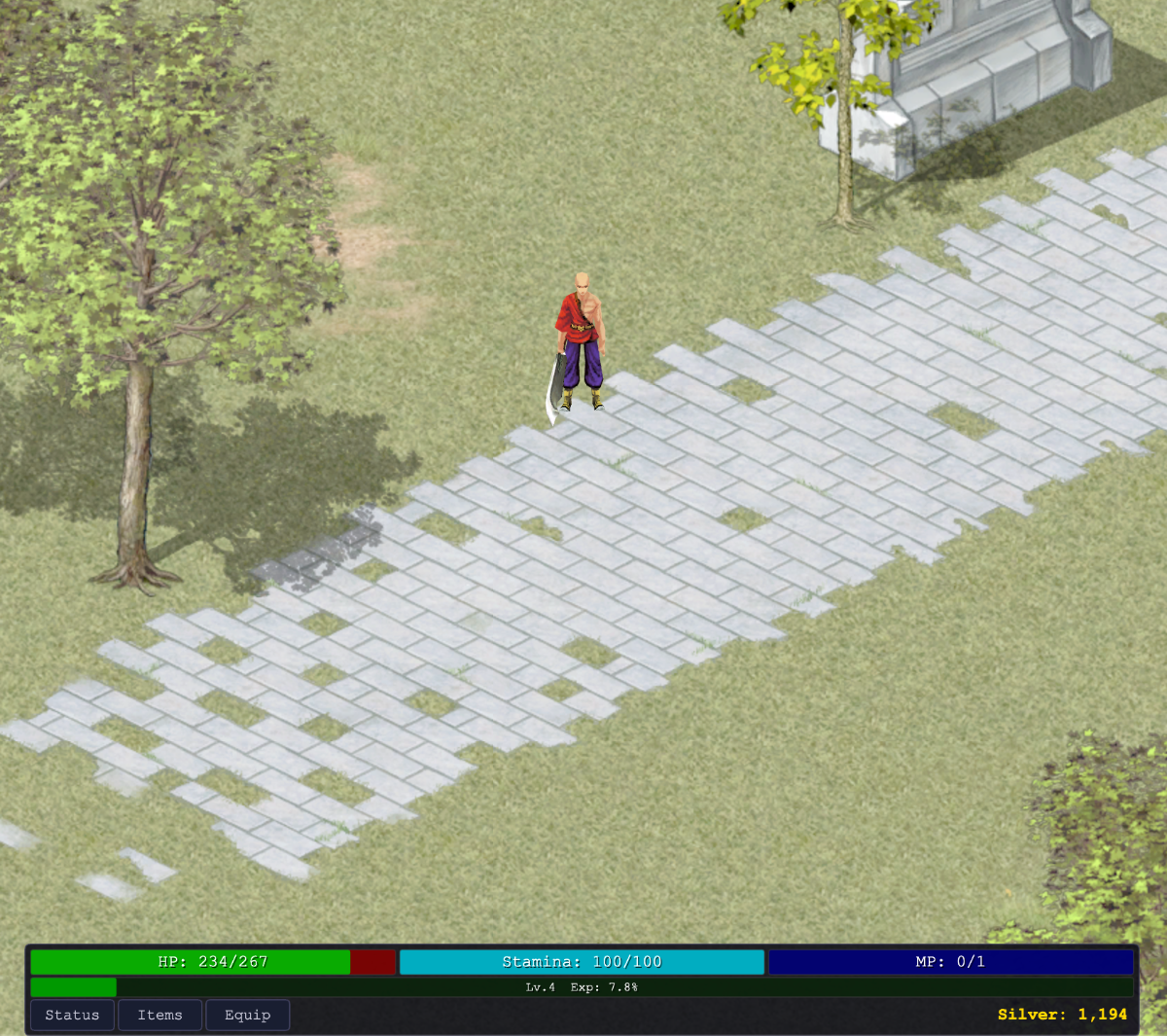
I've been hard at work porting CO to the web. Making a custom JS client and JS server based on Redux. Here's what I have so far: Web client (Three.js) + Bun server (WebSockets) Redux-style binary packet protocol Accounts + bcrypt + SQLite 4 classes (Trojan, Warrior, Archer, Taoist) Map rendering Multiplayer (spawn / despawn, see others) Walk / run / path / jump Monsters spawn + simple AI Inventory + equip armor/weapons 3D C3 characters + animations armor.mp4
-
Thanks to @Berniemack and @xFranko for their help. I finally managed to get armor rendering with textures
-
Thanks! That makes perfect sense. So the full pipeline is: 1. Armor ID (611, 741, etc.) → ItemType ID via itemtype.dat 2. [Body + ItemType ID] lookup in ItemTexture.ini → Texture ID 3. Texture ID lookup in 3dtexture.ini → DDS path How do I map Armor IDs to ItemType IDs? I need this for all armor variants (500, 611, 741, etc.). Is there a tool to parse/decrypt itemtype.dat for the 5517 client? Or is there a simpler pre-extracted mapping file somewhere? Or do I need to extract it from the server-side item database? I want to programmatically load the correct textures for any armor ID.
-
Great progress! Quick question about your texture system: I'm working on a C3 renderer (client 5065) and have garment textures working via 3dtexture.ini + texture IDs, but armor models load with wrong/fallback textures. The issue: Armor texture IDs (e.g., bodyType * 1000000 + armorID = 4000611) aren't in 3dtexture.ini, and the embedded texture paths in armor C3 files have encoding issues (Chinese characters like texture\սʿ-1.tga). Did you find armor textures are indexed separately from garments, or do they use a different system entirely? Any hints on the correct armor texture → file mapping approach? Thanks!
-
I may try to do attachments soon, but I want to first get armor models / textures loading and then work on animations.
-
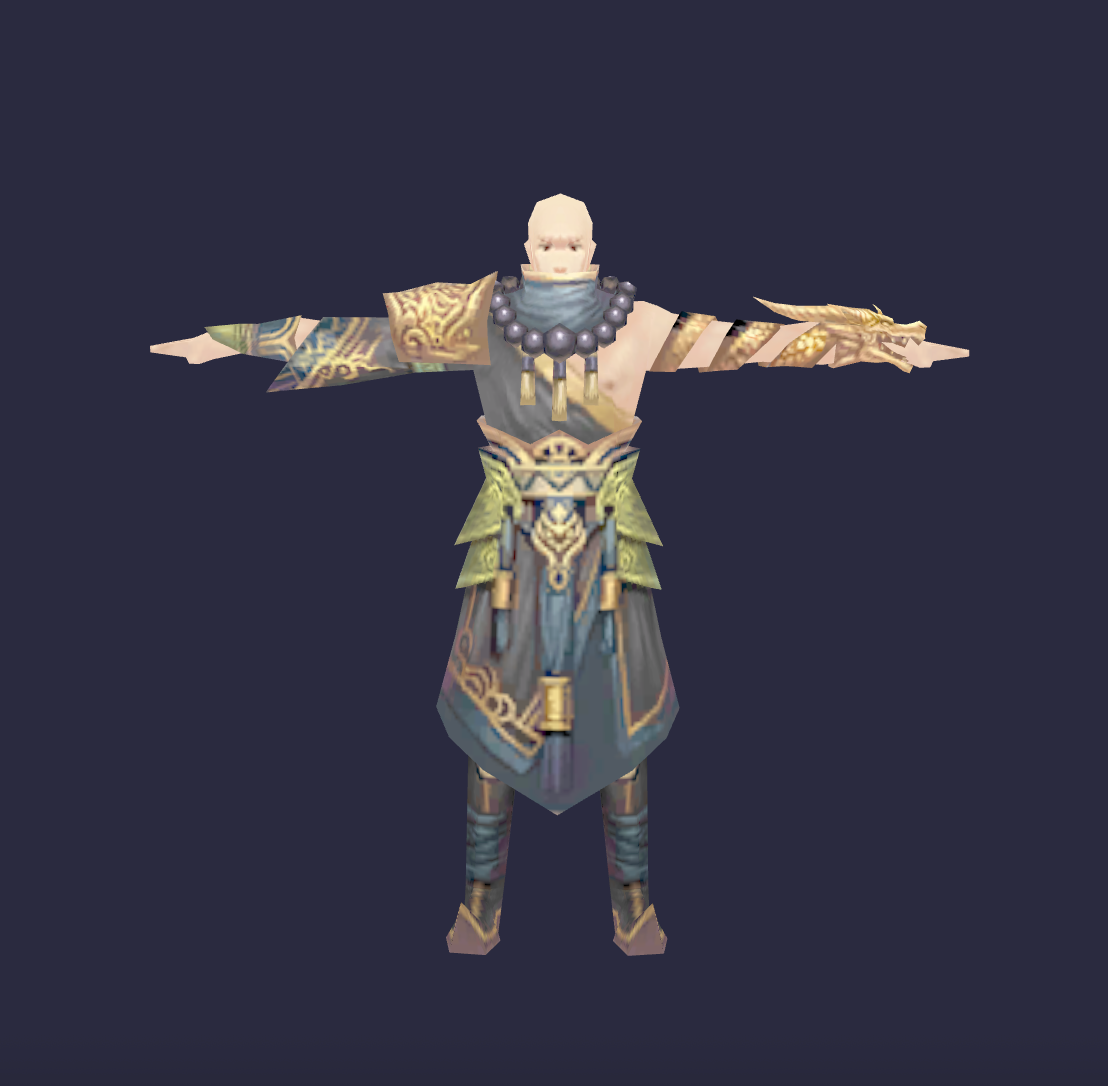
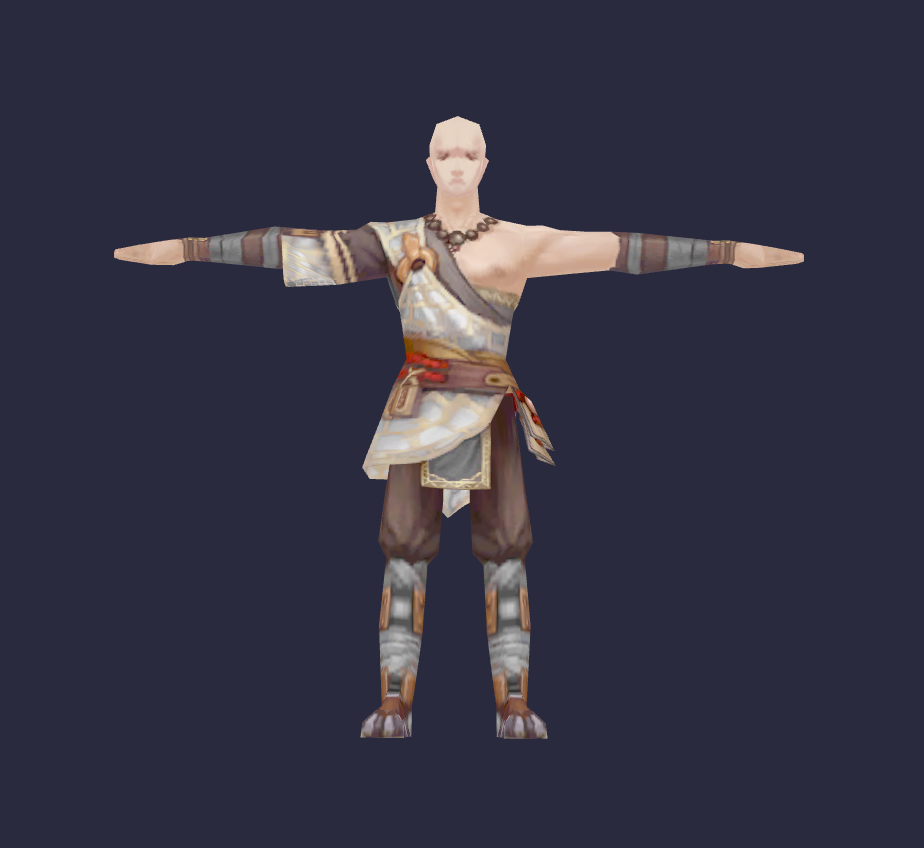
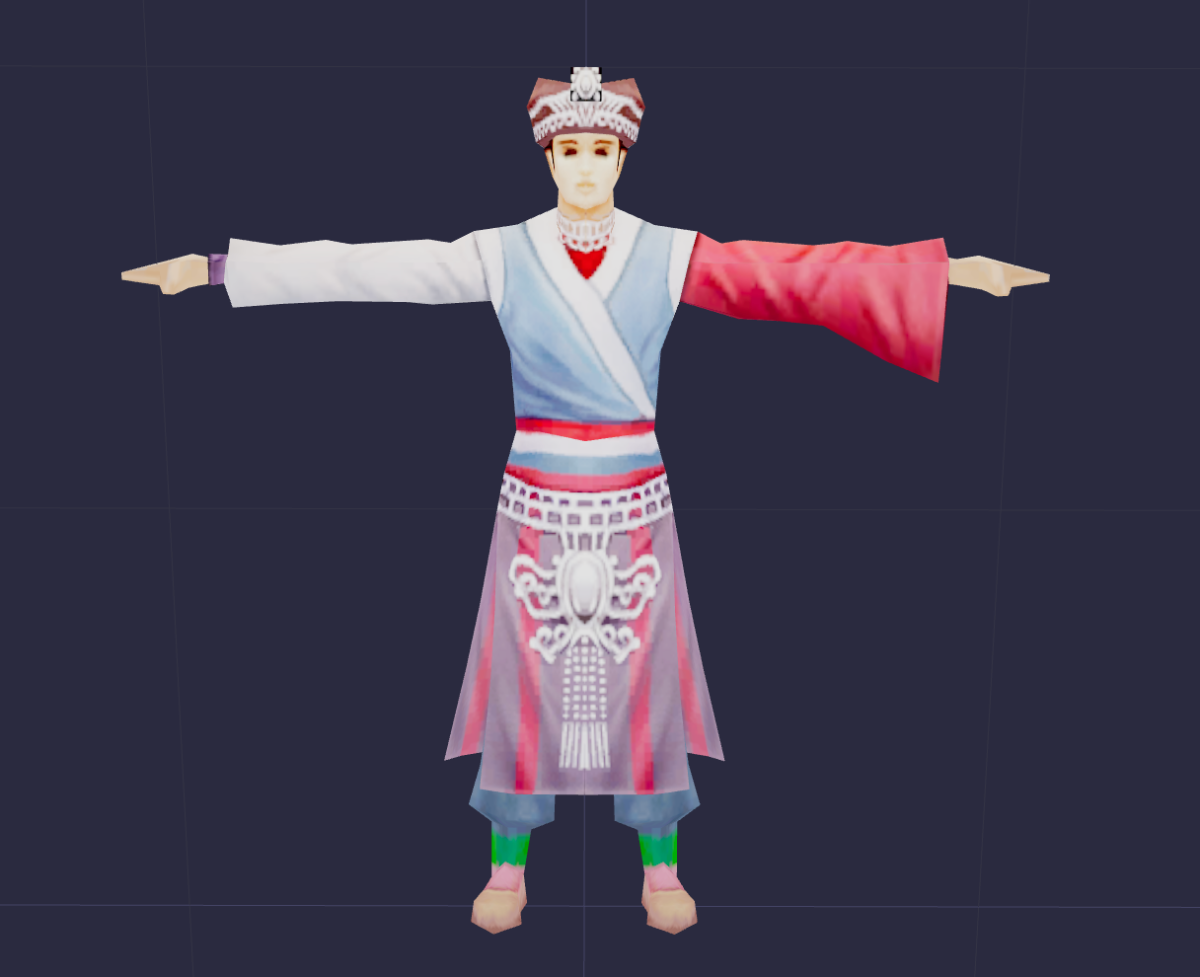
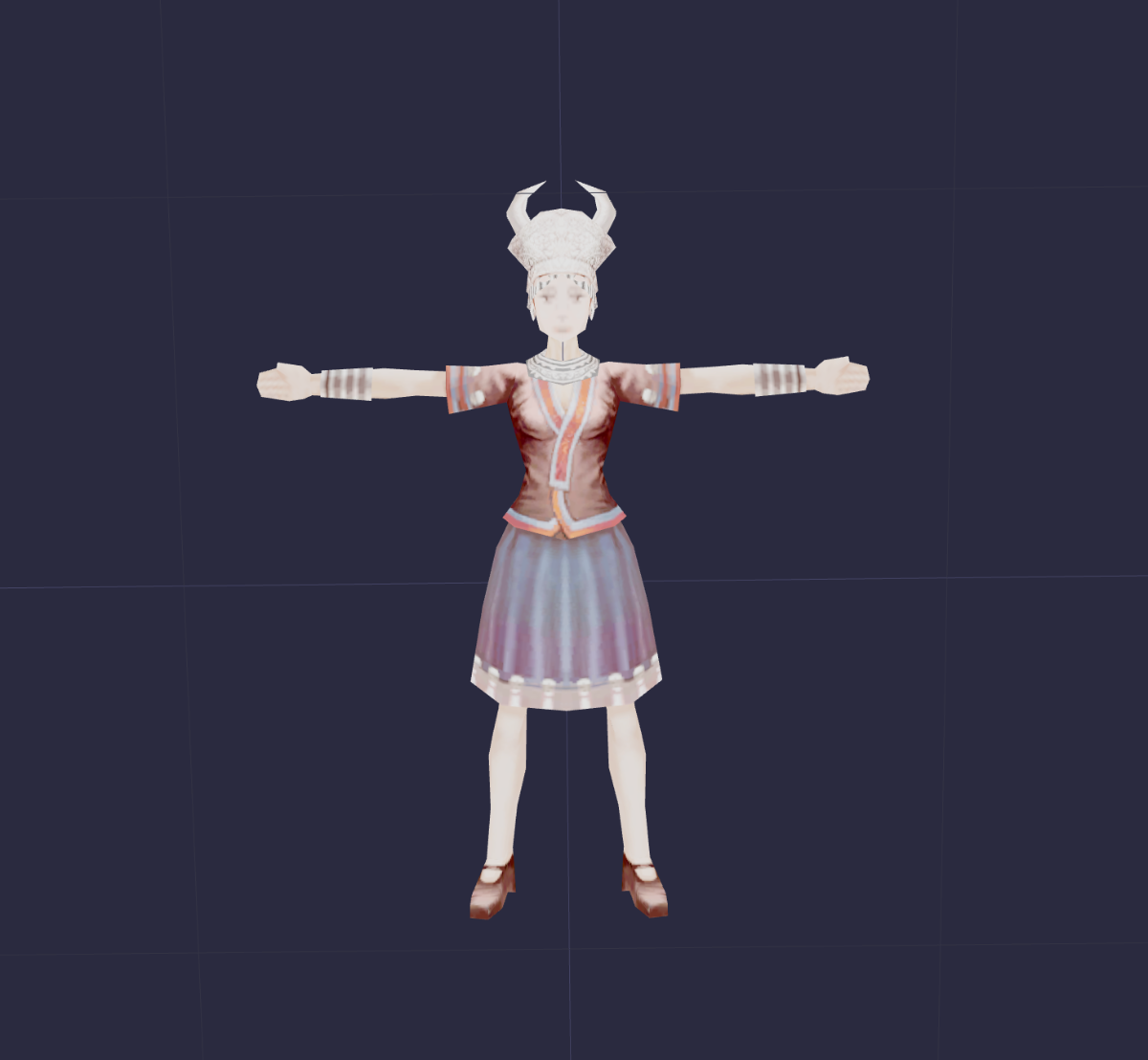
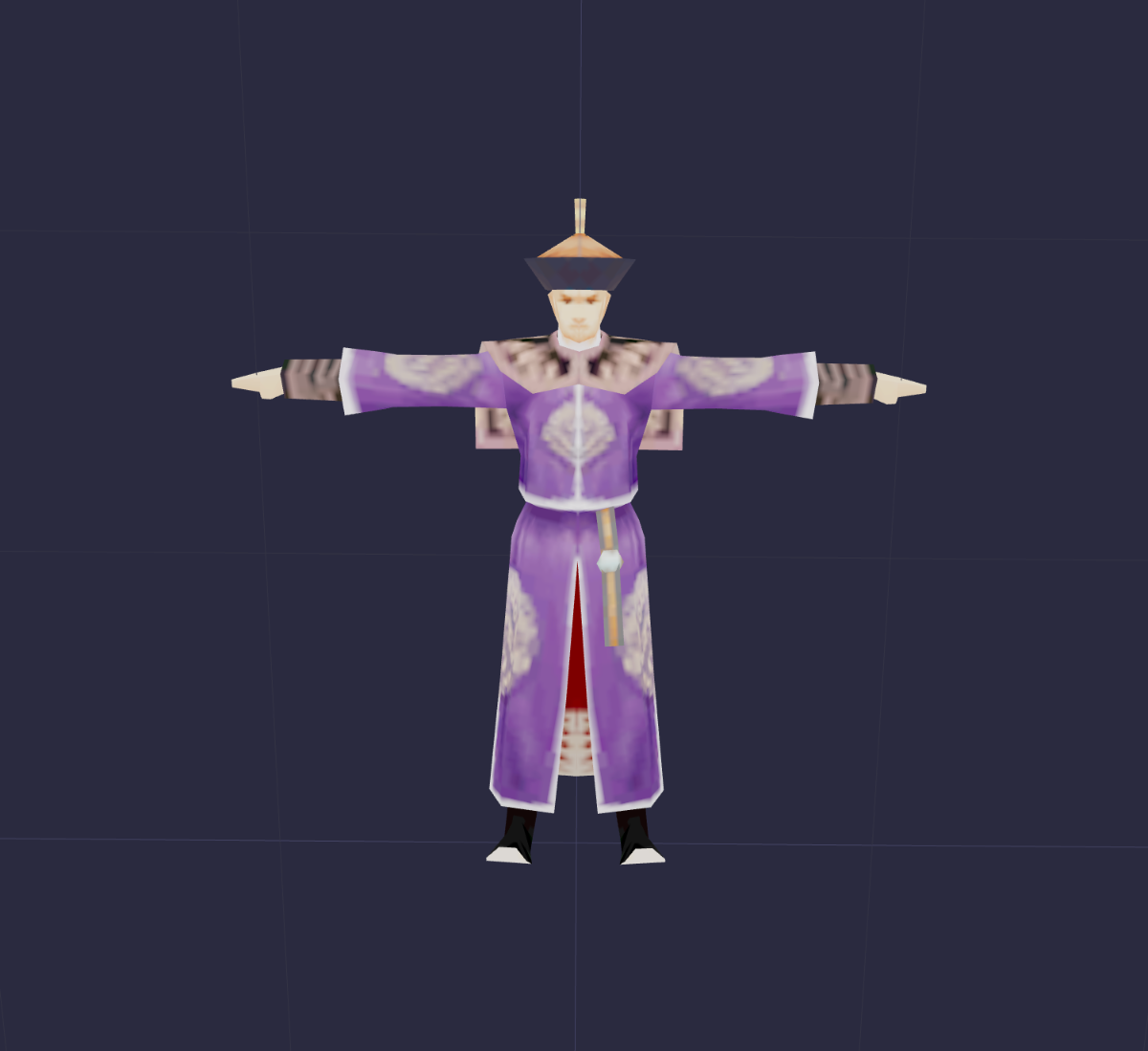
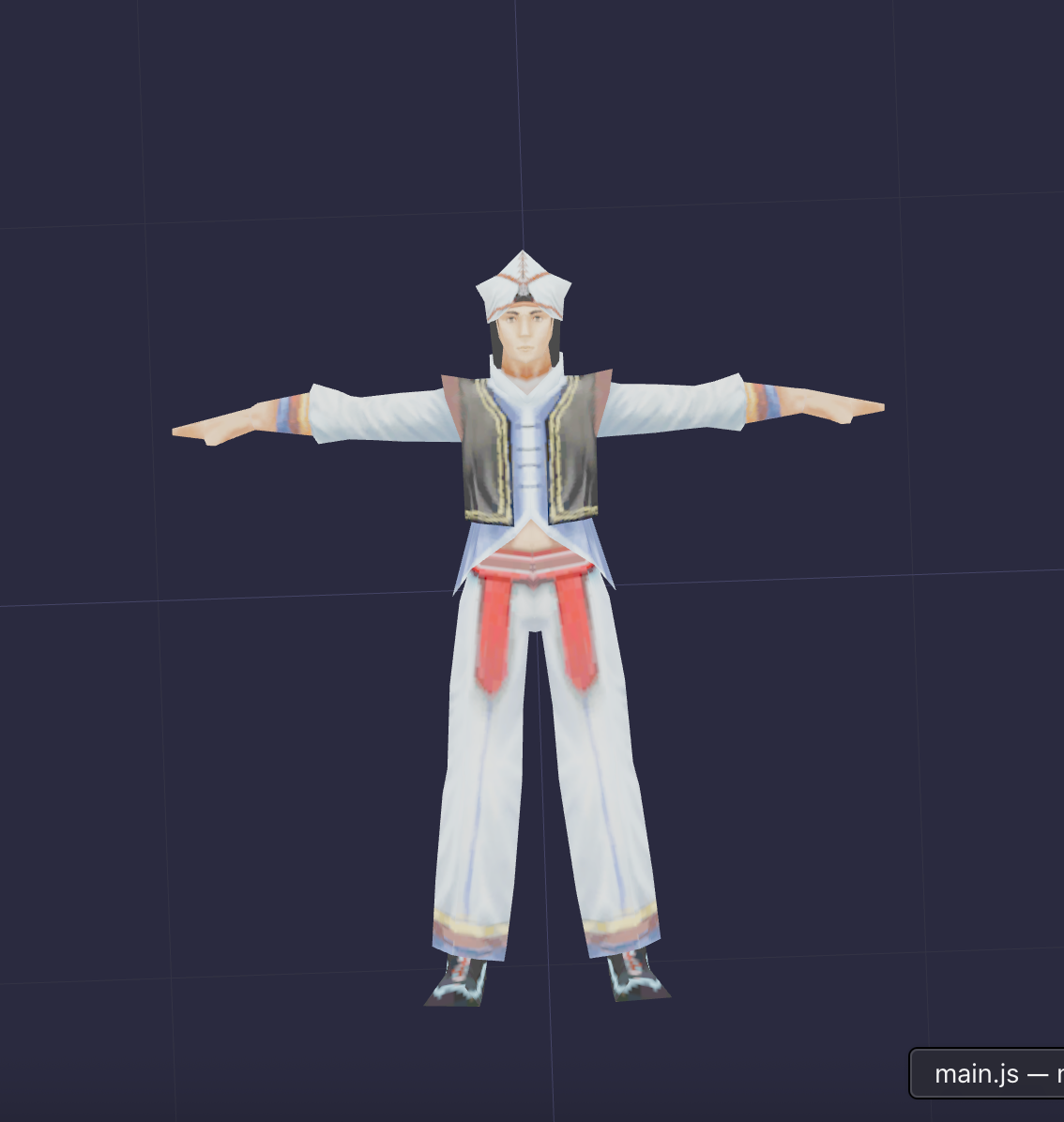
Did some more work on the web C3 loader. I started from scratch and tried something new. This time I got more models and textures loading and looking great! Seems like I managed to get garments figured out. Still need to figure out how to get actual body equipment variations rendering.
-
I thought it would be a fun (but difficult) project to try to port Conquer Online to the web. I first wanted to work on rendering the C3 models. I found a C3SDK online but the HTML5/JS viewer in there wasn't working for me (it said 'Failed to init game dataset'). So I was working on building it from scratch and here's what I have so far: Preview: https://javinladish.github.io/C3-WebGL-Loader/ Github: https://github.com/javinladish/C3-WebGL-Loader I have four body models loaded but Body 003 seems to perform the best with the extracted garment skins. It's not perfect by any means, but I'm hoping to improve it! If anyone has any tips I'd love to hear them!